Separator Block
The separator block adds a horizontal line across the container it is located in. This allows user to create separation between content.
Adding a Separator Block
Method 1 – Use a forward slash (/) and then type out “separator”. The separator block should show up.
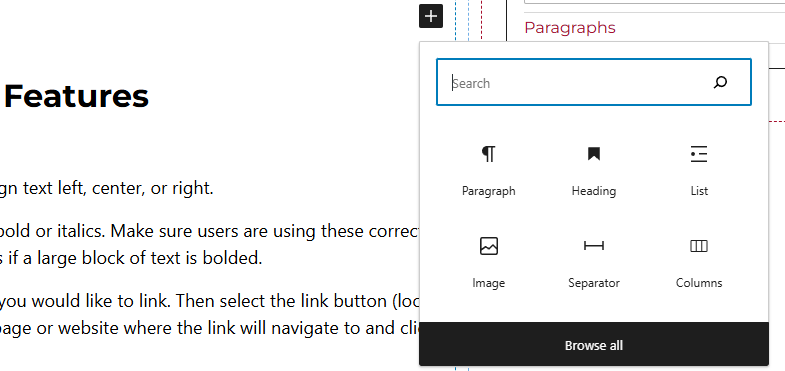
Method 2 – After selecting the editor, the user should see a + icon. Selecting this should show a list of the most common blocks used. If the separator block is not there, use the search feature to find it.
Separator Block Features
Side Panels
After selecting the separator block, the user will see the following options on the right hand panels:
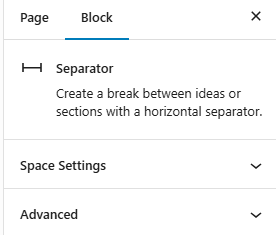
- Space Settings – Users can add margin to the separator blocks. This is usually done to add more spacing around block so they are not too close to other elements.
- Advanced – Allows users to schedule the block, position the block, and hide the block on a specific breakpoint.