Extension Home Page
A set template has been set for all extension county websites. This layout makes sure that all county websites have consistent branding with one another. Although the blocks are editable on each websites, users should not change the overall layout of this page. The blocks and sections found on this page are:
Hero Image, Introduction Text and Contact Information
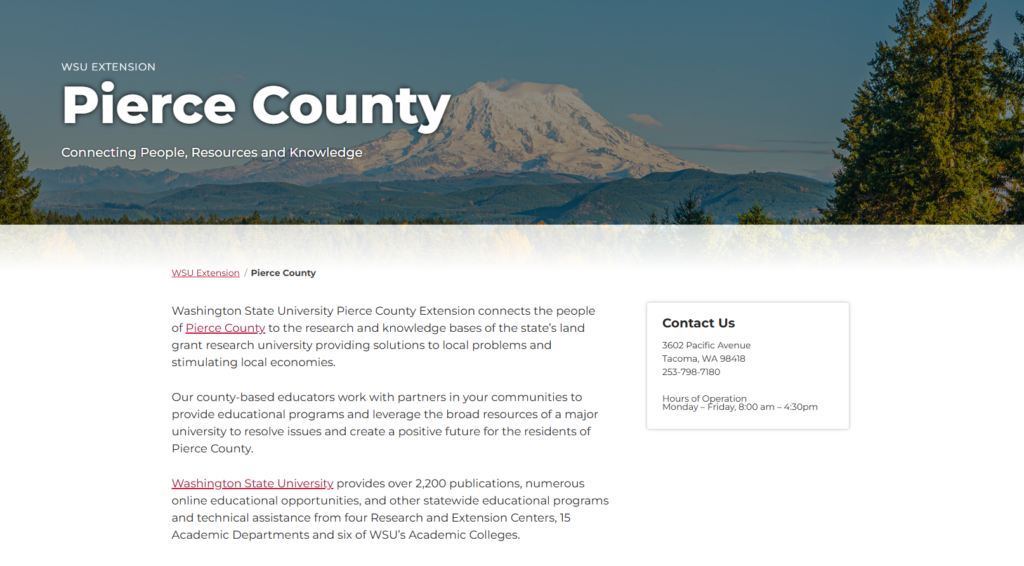
At the top of the page, users will be greeted with a hero banner that has the county’s name and a background image. The section after allows the addition of text to introduce the county to the user. To the right hand-side, the contact information for the county can be added by editing the card block.
County Programs
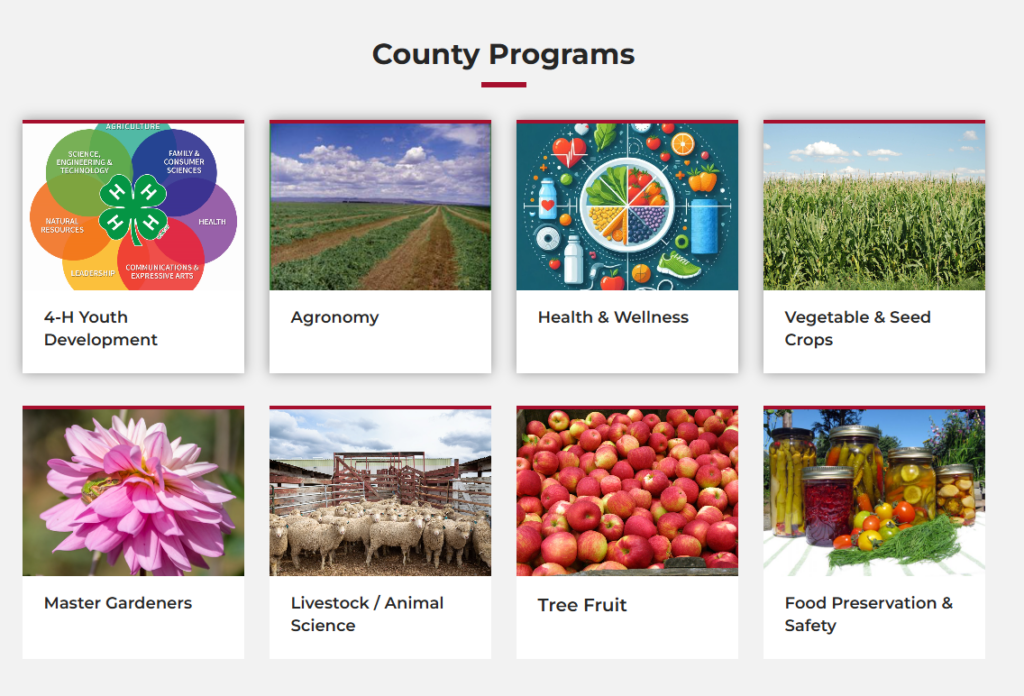
This section uses a card group to showcase the different programs available through the county.
Upcoming Events and Side Section
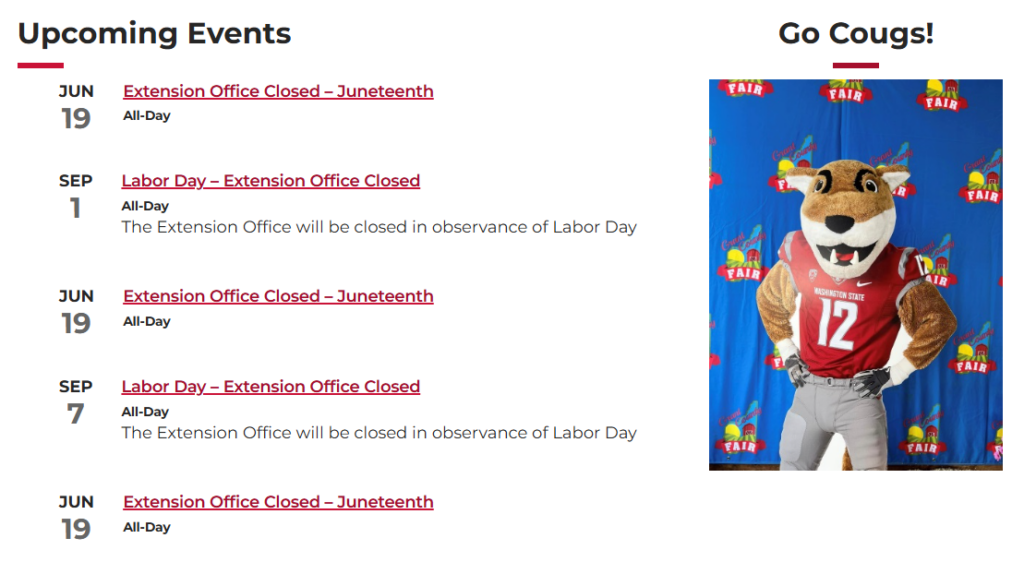
In this section, an event list has been set up that can pull in events on the county’s website. If no events are available, events from the CAHNRS event calendar can also be pulled in. To the right of the list, there is another section where an image and/or text can be displayed.
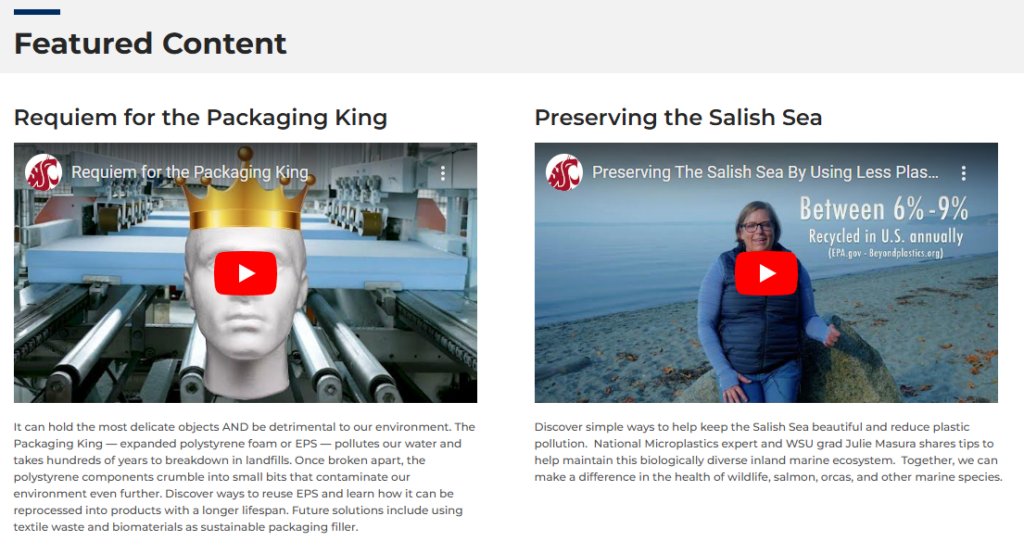
Featured Content
This section has been set up to showcase any specific content that the county would like to show. By default, this section has two separate videos that can be replaced.
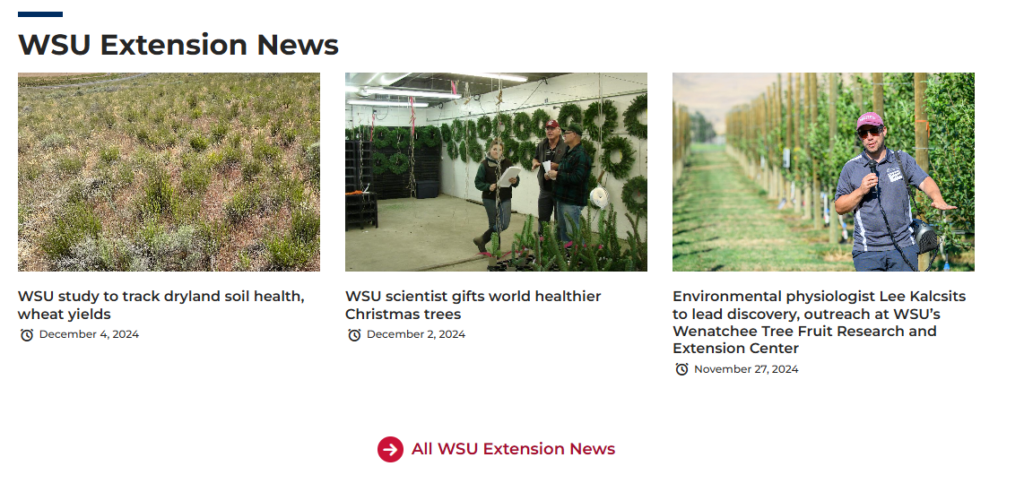
WSU Extension News
Here, the News Cards block is being used to pull in news from CAHNRS News. This block can also be configured to pull in news from the county’s website instead.
Custom Blocks
Program Coordinator Block
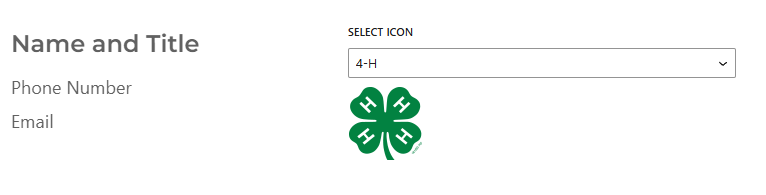
Block created to show the contact information for a program coordinator. To add the program coordinator block, look for the “Program Coordinator” job in the list of blocks. Once the block has been added, users can add the coordinator’s name, phone, and email address. There is also an option of selecting an icon from the dropdown list. For easier editing capabilities through multiple pages, use this block in an HTML Snippet.