Presenters
Kevin Zobrist, WSU Professor
Sarah Schaub, WSU Web Services Manager
Learning Objectives
- Understand digital accessibility and its importance.
- Learn how new ADA guidelines apply to your work.
- Know what the guidelines are and where to start.
- Be able to apply key concepts of digital accessibility to your content.
- Be able to identify and fix critical accessibility errors.
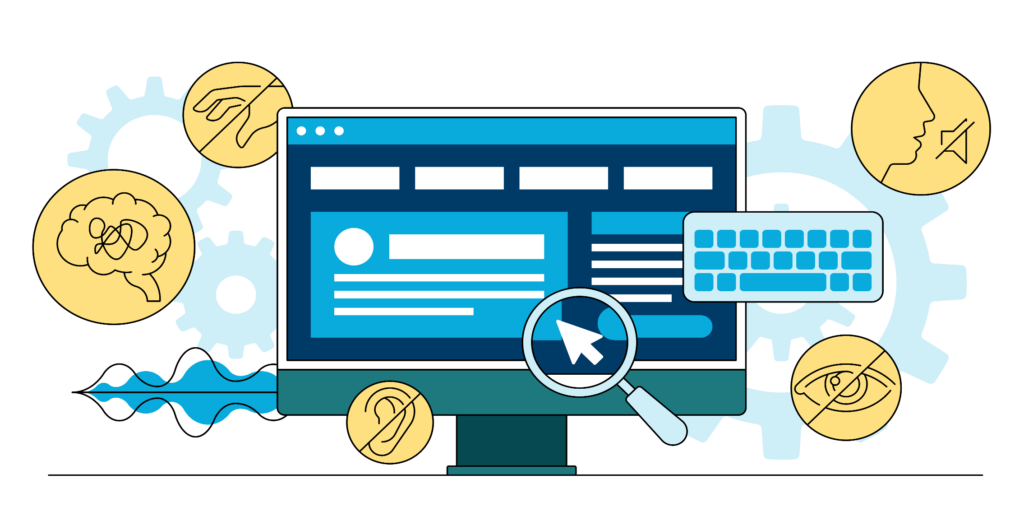
What is Digital Accessibility?
Ensuring all digital content is designed and created so everyone can access, use, and interact with it.
Digital content includes:
- Websites/web pages
- Applications
- Documents (PDF, word processing, presentations, etc.)
- Videos and Podcasts
- Kiosks
Resources
Laws & Requirements
- Americans with Disabilities Act Title II Regulations
- Fact Sheet: New Rule on the Accessibility of Web Content and Mobile Apps
- WCAG 2 Overview
- How to Meet WCAG (Quick Reference)
Digital & Document Accessibility
- Resources for Learning the Core Concepts of Digital Accessibility
- Resources for Creating Accessible Documents
- WebAIM Resources
- Creating Accessible Documents (section508.gov)
Tools
Digital accessibility is critical for Extension content
- More than 25% of U.S. adults have a disability. (Largest minority group in the U.S.)
- Accessibility protects your brand reputation and ensures legal compliance
- Accessible content benefits everyone!
Digital accessibility improves digital content for:
- People who are deaf or hard of hearing
- People with visual impairment
- People with temporary or situational disabilities
- People without disabilities
New federal rules go into effect in April 2026.
- All services, programs, and activities must be accessible to people with disabilities (ADA Title II).
- Web Content Accessibility Guidelines (WCAG) 2.1 Level AA specify the requirements for web content and mobile app accessibility.
- There are limited exceptions.
WCAG requirements are organized under 4 principles (“POUR”).
- Perceivable: Users can see or hear the content.
- Operable: Users can access the information.
- Understandable: Content is readable and understandable.
- Robust: The design and code are compatible with future user tools.
Each principle has testable success criteria that determine conformance.