Widgets are sections on a website where users will be able to add blocks. Think of this as sidebars or footers areas where you want specific content to show up. Most of all widgets will show up on all of the website.
Setting Up Widgets
To access the widget areas in WordPress users can navigate to it in two different sections:
- By navigating to the dashboard and selecting Appearance then Widgets
- By selecting Customizer on the WordPress Admin Bar.
Managing Widgets
There are several widget areas with the Web Design System 3.0 Theme. These areas include:
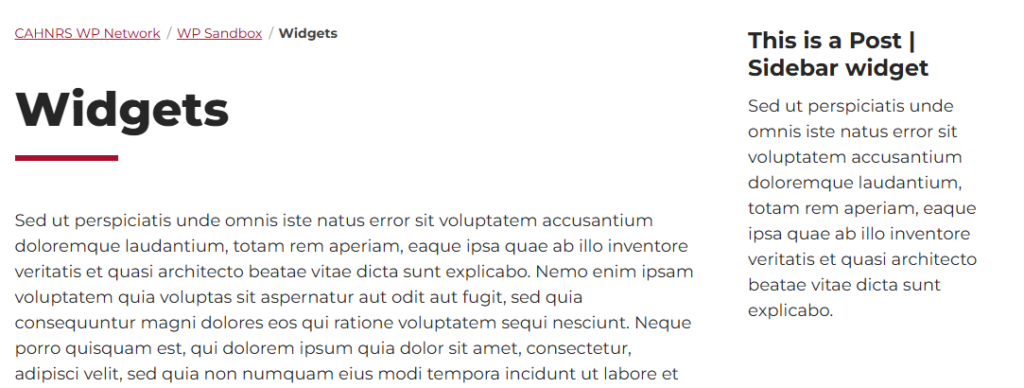
Post | Sidebar
Widget area that will show up on the right hand side of the content.
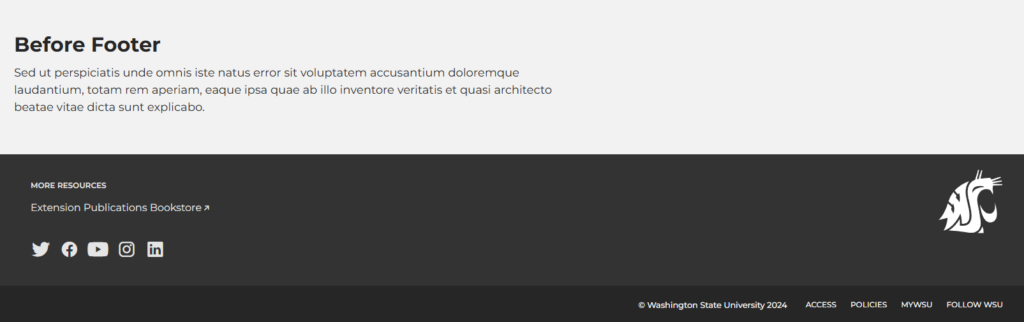
Before Footer
Content area before the footer at the bottom of the page.
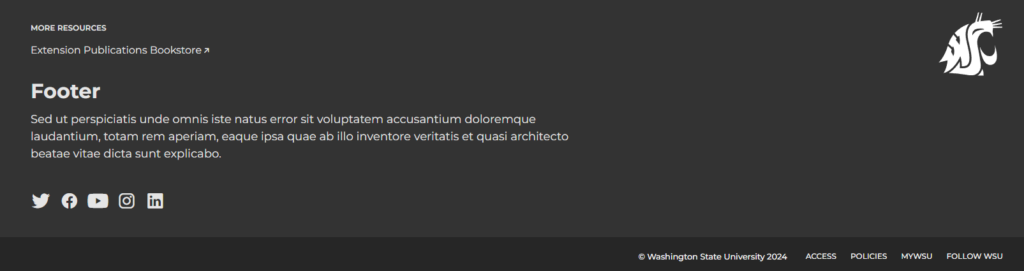
Footer
Widget area located inside the footer.
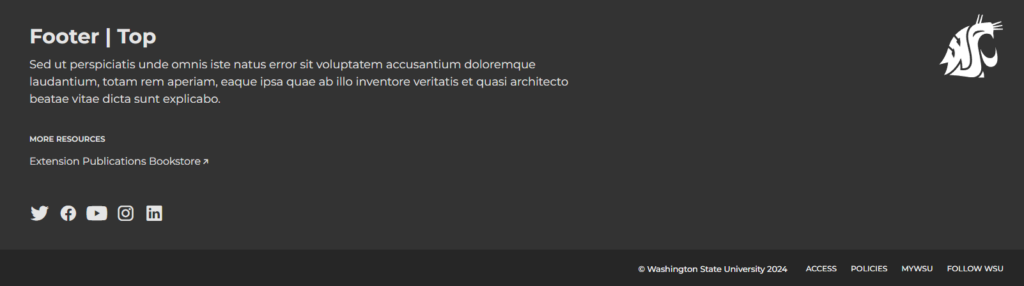
Footer | Top
Widget area located at the top of the footer (after the Before Footer and before the Footer widget areas).
Quicklinks
Located in the Quicklinks panel on the top right of the page.
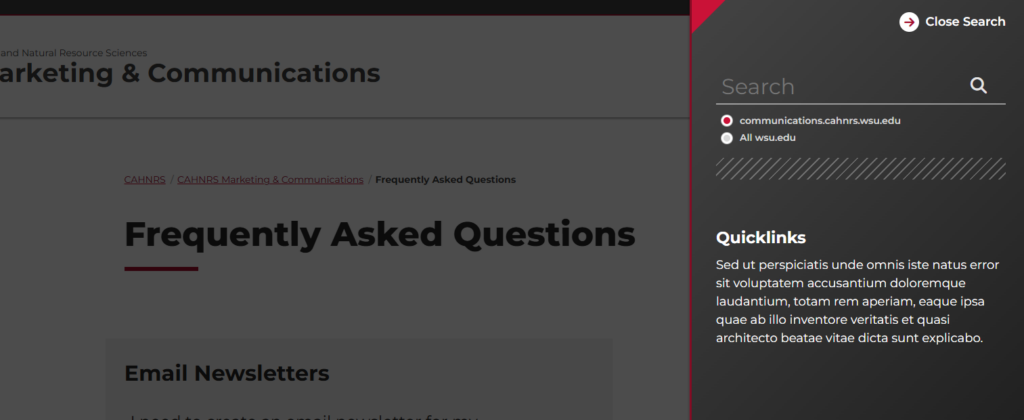
Quicklinks | Footer
Also located in the Quicklinks panel. This widget area shows up at the bottom.

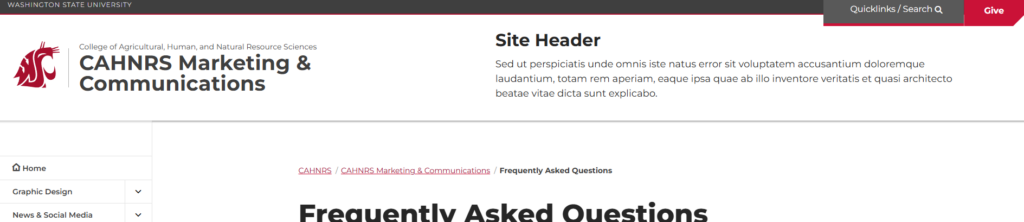
Site Header
Widgets are located in the header of the website.